Mealo
Meal planning with your notes. Write what you're cooking; Mealo fills in the ingredients and builds one shopping list.
- Role
- Solo build. Product, design, and full-stack engineering.
- Type
- iOS app · consumer
- Status
- Live on the App Store
01
The problem
Mealo started at my kitchen table. Every week my partner and I would ask each other the same two questions: what are we making for dinner, and what do we need to buy? We kept ending up with overlapping ingredients, plans that did not line up, and a fridge of half-used food.
I wanted one place to write down the week's meals and turn them into a single shopping list, so we would only buy what we would actually use.
02
Why I threw out the planner
The first version of Mealo was a classic meal planner: a week calendar, meals added one at a time, ingredients entered row by row, a cook assigned to each meal. It worked, but every dinner was a small form to fill in, and the app asked for structure before it gave anything back.
So I rebuilt it around the simplest thing there is: a note. You write what you're cooking the way you'd jot it anywhere else, and Mealo does the structured part for you. The planner, the cookbook and the camera capture all went; the note and the shopping list stayed.
03
Write the meal, not the recipe
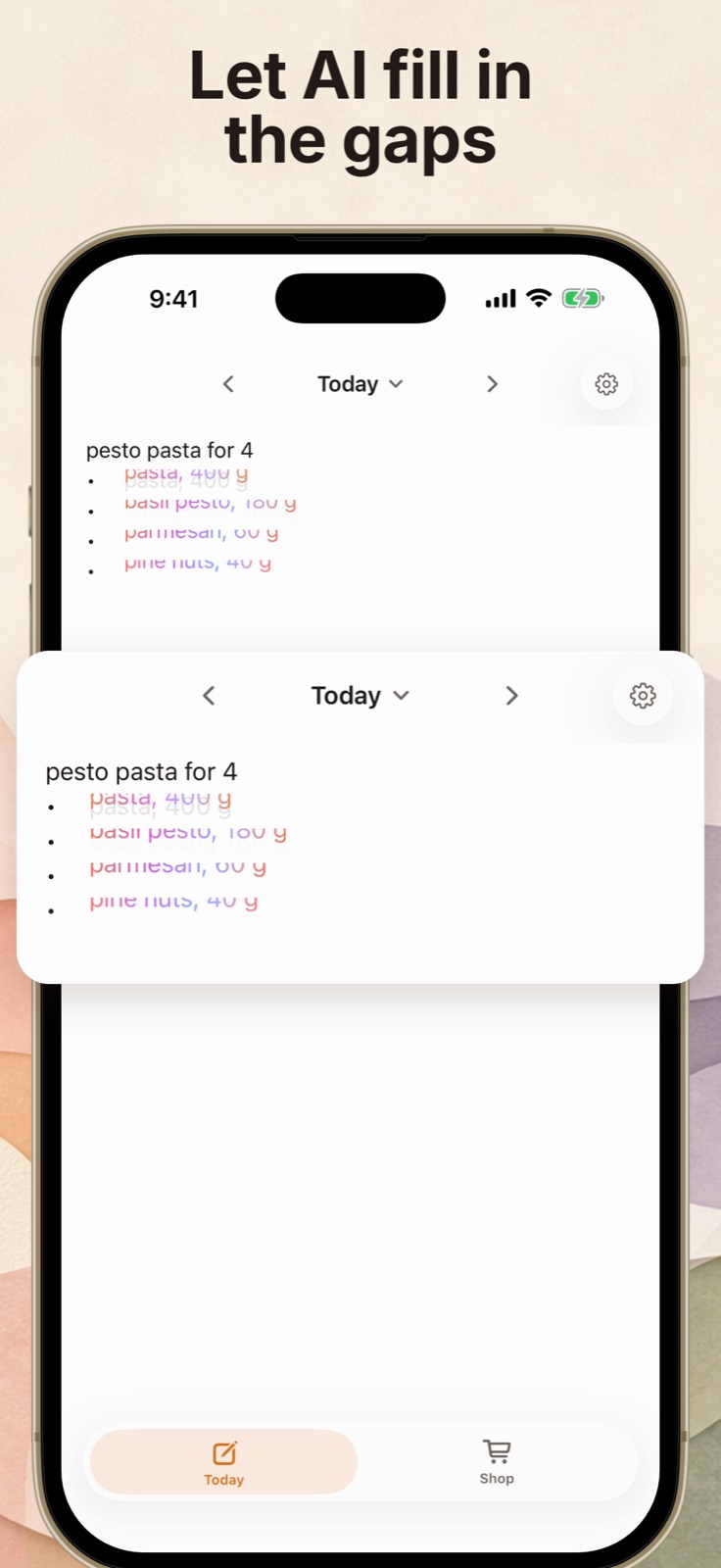
Type "pesto pasta for 4" on today's note and Mealo recognises it as a meal, then drafts the ingredient lines underneath, sized for four. The drafted lines shimmer in as they arrive so you can see what the AI wrote, then settle into ordinary text.
Everything stays a note. Edit an ingredient and it becomes yours; change "for 4" to "for 2" and the amounts rescale; lock a line you care about and it keeps its amount through any change. If a line isn't a meal, Mealo leaves it alone as plain text.
04
One list, sorted by aisle
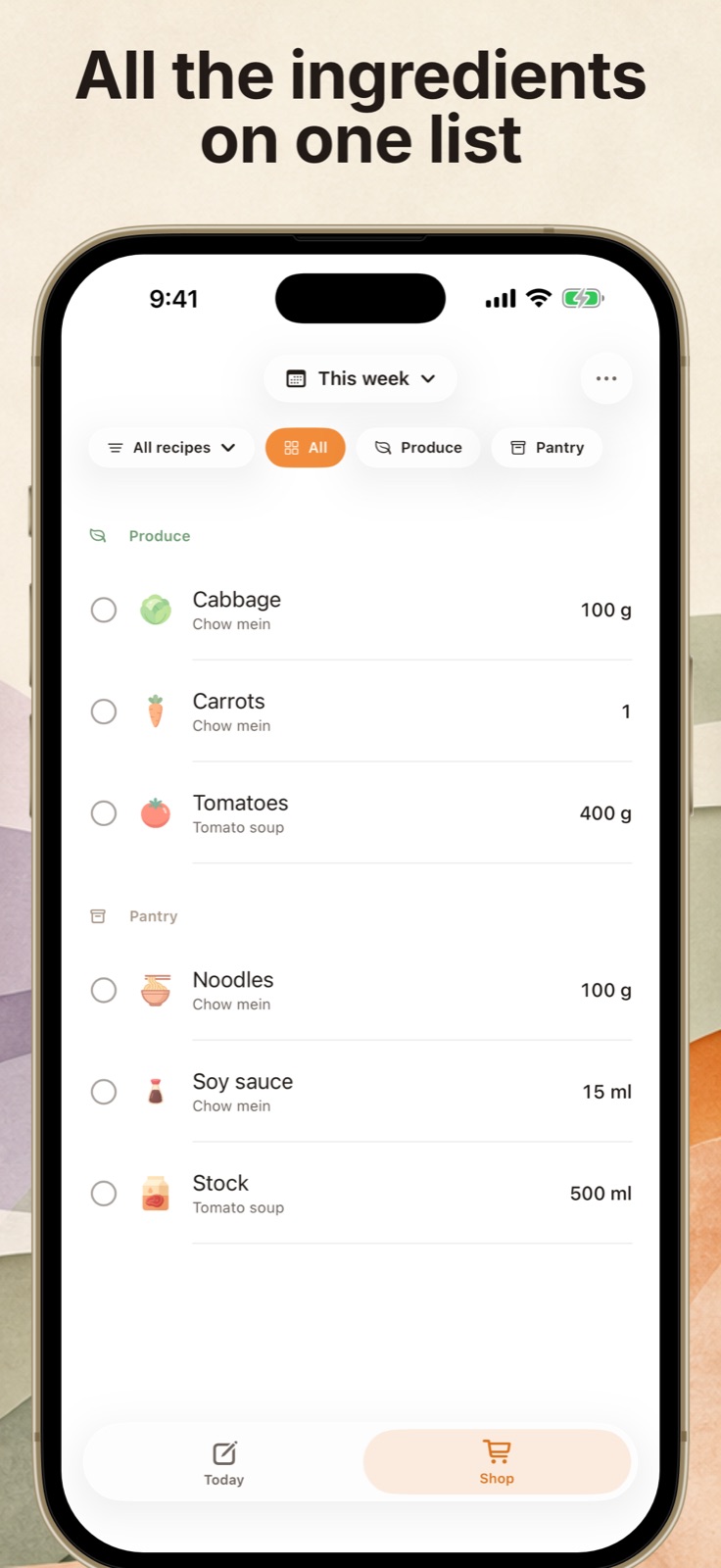
The Shop tab reads every meal out of the week's notes and merges them into one list. Ingredients shared across recipes are counted once, and each line is grouped by aisle, so a grocery run is one pass through the store.
Each item still shows which recipe it came from, so when you skip a meal you know exactly what you no longer need.
05
Still just a note
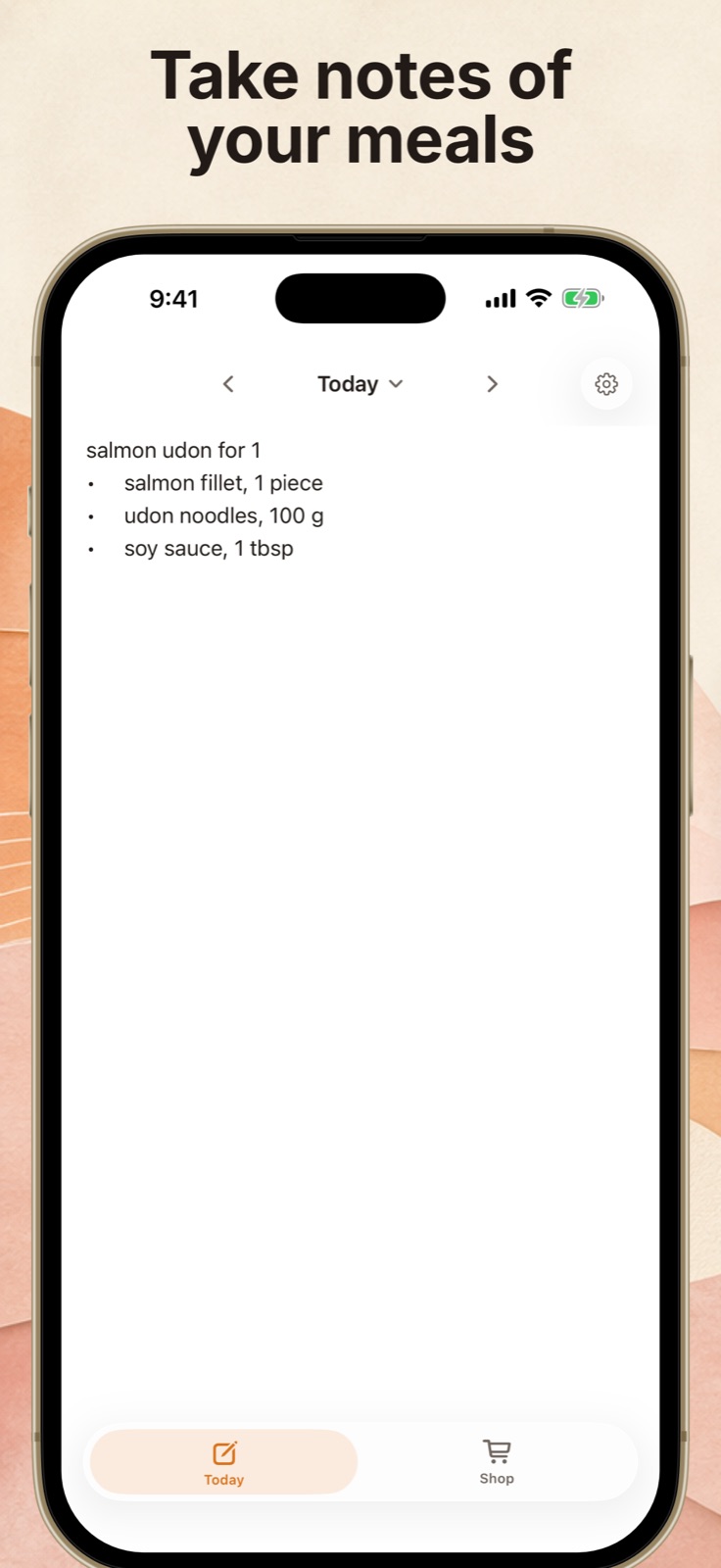
The editor behaves like Apple Notes: rich text, bullet lists that continue on Return, undo and redo, and dictation. There are only two tabs, Today and Shop, and the note is where all the planning happens.
AI is there when you want it and quiet when you don't. Long-pressing a meal offers "Expand with AI" on demand, but nothing ever rewrites a line you are in the middle of typing.
06
Key decisions
The note is the source of truth
Meals are never stored separately. Mealo parses them out of the note on read, with an in-memory cache that clears on every edit, so the shopping list can't drift away from what you actually wrote.
Native text, not a web view
The editor wraps UIKit's text view with TextKit 2 rather than SwiftUI's text editor, so typing, selection, lists and dictation feel exactly like the system Notes app.
AI that never fights the typist
Ingredient drafts wait for a pause in typing and never touch the line that holds the cursor. An empty result inserts nothing, so free text is never forced into a recipe.
Built solo with AI coding tools
I built Mealo end to end on my own, the iOS app, the backend, and the website, leaning on Codex, ChatGPT, and Claude Code to move at the pace of a small team without being one.
07
Next: planning together
Mealo began as a two-person problem, and Shared Plans brings that back: one plan for the household, edited from both phones, with a shopping list that stays in sync. It's in Mealo 3.2, currently in App Store review.
08
Branding
Mealo's identity is deliberately warm: a spoon mascot for the app icon, a small cast of food characters, soft oranges and rounded type. The tone sits closer to Duolingo than a utility app, so planning dinner feels light rather than like another chore.